

PDF Editor
Edit PDF files in your browser: add text, white out mistakes, sign, add page numbers and watermarks, with no page or daily limits
Edit a PDF in your browser, free and private
100% Client-Side PrivacyPixytool’s PDF Editor covers the edits people need most, without an account or a subscription. Add text anywhere on a page, white out mistakes, sign the document, number the pages or stamp a watermark, then download the edited PDF.
Unlike many online PDF editors, your file is not uploaded to a server: all editing happens inside your browser. That keeps contracts, forms and personal documents on your own device, and there are no page or daily limits.
What you can do with the PDF Editor
- Add text: fill in details or add notes anywhere on a page
- Whiteout: cover a mistake with a white box and type the correction
- Sign: draw your signature with a mouse or finger
- Page numbers: number every page in one go
- Watermark: stamp text such as "Draft" or "Confidential" on each page
Helpful guides
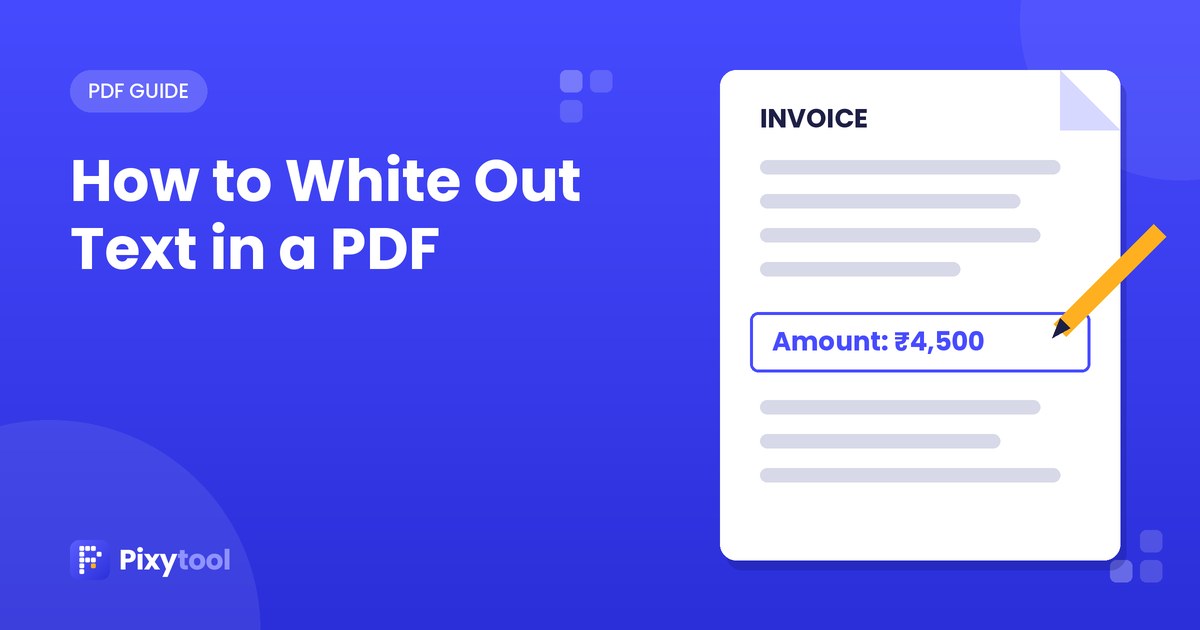
How to use PDF Editor online for free
- 1Provide your input: Select, upload, or paste your file or text into the interactive PDF Editor workspace above.
- 2Adjust parameters: Customize your preferred options, formatting rules, quality sliders, or conversion preferences.
- 3Inspect instant preview: Review the high-fidelity output rendered immediately in your browser with zero latency.
- 4Save or copy: Click download to save your processed file or copy the generated text to your clipboard.
Frequently Asked Questions about PDF Editor
Q:Is this PDF editor really free?
Yes. All editing features are free, with no sign-up, no watermark on your file and no page or daily limits.
Q:Is my PDF uploaded when I edit it?
No. The editor runs in your browser, so your PDF stays on your device the whole time.
Q:Can I edit the existing text in a PDF?
You can white out existing text and type new text on top, which works well for fixing typos, dates and numbers. Rewriting whole paragraphs in place is not supported.
Q:Can I sign a PDF with this editor?
Yes. Use the Sign tab to draw your signature and place it on the page. To type or upload a signature instead, use the Sign PDF tool.
Q:Does it work on a phone?
Yes. The editor works in modern mobile browsers as well as on desktop.
Similar PDF Tools

Merge PDF
Combine multiple PDF documents into a single organized PDF file with drag-and-drop ordering

Split PDF
Extract individual pages or page ranges from any PDF into separate standalone PDF files

Compress PDF
Reduce PDF file size while retaining document quality and crisp text for easy email sharing
JPG to PDF
Convert JPEG, PNG, and camera photos into a clean multi-page PDF document