

Whiteout PDF
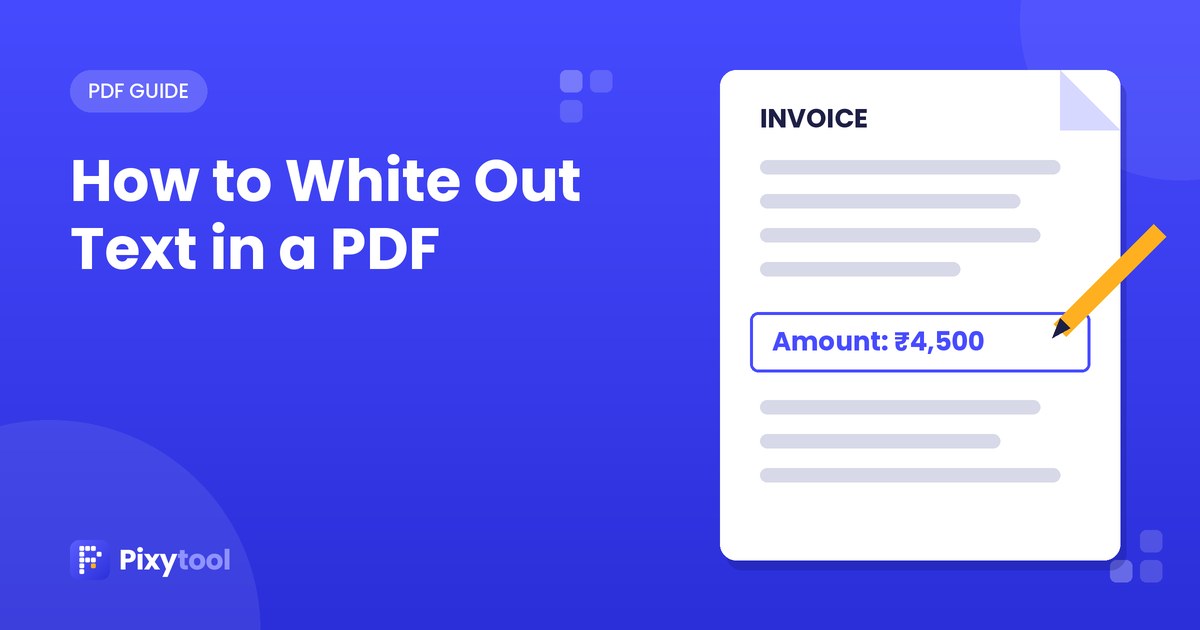
White out text in a PDF and type a correction over it. Free, unlimited, and the file never leaves your browser.
White out text in a PDF, then type the correction
100% Client-Side PrivacyNeed to hide a typo, an old date or a wrong number in a PDF? Whiteout PDF places a white box over any part of a page, just like correction fluid on paper, and lets you type new text on top. It is ideal for fixing forms, invoices, letters and templates when you do not have the original Word file.
Upload your PDF, choose the page, then use the sliders to move and resize the white box over the text you want to cover. Add replacement text if you need it and download the corrected PDF. Everything happens in your browser, so the file is never uploaded to a server, and there are no page or daily limits.
Important: whiteout hides content visually, but the original text can still be selected or copied underneath. To remove sensitive information for good, white it out and then convert the PDF to images with PDF to JPG and back with JPG to PDF.
Common ways to use Whiteout PDF
- Fix a typo, date or amount in an invoice or letter
- Cover old details in a PDF template and type new ones
- Clean up a scanned form before filling it in again
- Hide page numbers, headers or notes before sharing
- Correct a name or address on a document you cannot edit in Word
Helpful guides
How to use Whiteout PDF online for free
- 1Provide your input: Select, upload, or paste your file or text into the interactive Whiteout PDF workspace above.
- 2Adjust parameters: Customize your preferred options, formatting rules, quality sliders, or conversion preferences.
- 3Inspect instant preview: Review the high-fidelity output rendered immediately in your browser with zero latency.
- 4Save or copy: Click download to save your processed file or copy the generated text to your clipboard.
Frequently Asked Questions about Whiteout PDF
Q:How do I white out text in a PDF for free?
Upload the PDF, pick the page, move the white box over the text with the position and size sliders, optionally type replacement text, then download. It is free with no sign-up or watermark.
Q:Does whiteout remove the text from the PDF?
No. Whiteout covers the text with a white box, so it is hidden when viewed or printed, but the original text can still be selected or copied. For sensitive data, convert the whited-out PDF to images (PDF to JPG, then JPG to PDF) so the hidden text is gone.
Q:Can I type over the whited-out area?
Yes. Enter replacement text and it is placed on top of the white box in the downloaded PDF.
Q:Is my PDF uploaded to a server?
No. The PDF is processed in your browser and never leaves your device.
Q:Is there a page or daily limit?
No. You can white out as many PDFs as you like, with no daily limits.
Similar PDF Tools

Merge PDF
Combine multiple PDF documents into a single organized PDF file with drag-and-drop ordering

Split PDF
Extract individual pages or page ranges from any PDF into separate standalone PDF files

Compress PDF
Reduce PDF file size while retaining document quality and crisp text for easy email sharing
JPG to PDF
Convert JPEG, PNG, and camera photos into a clean multi-page PDF document