

Christmas Card Maker
Design personalised Christmas photo cards with festive templates, custom greetings, family signatures, and instant high-res download
Design a personalised Christmas photo card in minutes
100% Client-Side PrivacyCreate a Christmas card with your own family photo, a festive frame and your personal greeting. Upload a photo, zoom, move and tilt it to fit, pick a design, and add a message such as “Merry Christmas & Happy New Year” with your family’s signature.
Not sure which style to choose? Use “Inspire Me” to try random themes and fonts. When you are happy with the design, download a high-resolution image that you can print at home, send on WhatsApp or post on social media. Your photo stays on your device and is never uploaded.
Ideas for your Christmas card
- Use a bright, well-lit family or pet photo with faces near the centre.
- Keep the greeting short and add the year, for example “Christmas 2026”.
- Sign it from the whole family, such as “With love, the Sharma Family”.
- Download one version to print and share another on WhatsApp and Instagram.
Helpful guides
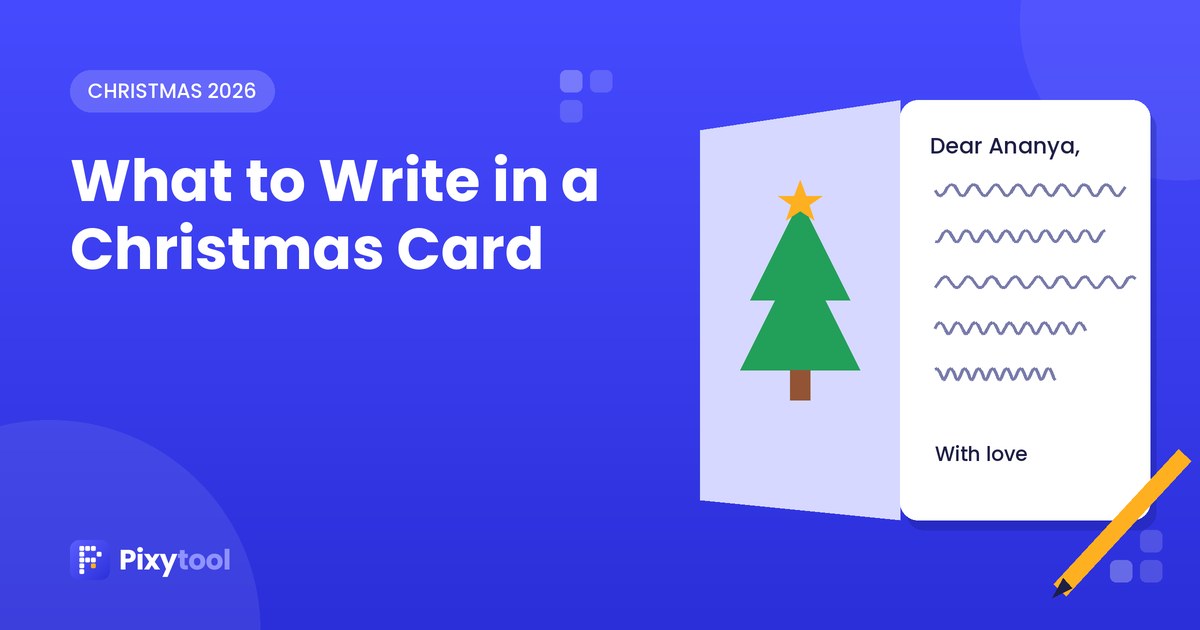 What to Write in a Christmas Card: 80+ Messages for Family, Friends, Colleagues and ClientsStuck staring at a blank card? Copy one of these warm, funny, short or professional Christmas messages, or use our simple formula to write your own in a minute.
 Secret Santa Gift Ideas by Budget: 60+ Gifts People Actually Want (2026)Practical, thoughtful Secret Santa gift ideas grouped by budget, plus picks for colleagues, people you barely know and remote teams.
 How to Organise a Secret Santa in 2026: Rules, Budget Ideas and an Easy Name DrawEverything you need to run a fun, fair Secret Santa: the rules, how to set a budget, how to draw names online in a minute and gift ideas people will actually like.
How to use Christmas Card Maker online for free
- 1Provide your input: Select, upload, or paste your file or text into the interactive Christmas Card Maker workspace above.
- 2Adjust parameters: Customize your preferred options, formatting rules, quality sliders, or conversion preferences.
- 3Inspect instant preview: Review the high-fidelity output rendered immediately in your browser with zero latency.
- 4Save or copy: Click download to save your processed file or copy the generated text to your clipboard.
Frequently Asked Questions about Christmas Card Maker
Q:How do I make a Christmas card with my photo?
Upload your photo, adjust the zoom and position, choose a festive design, type your greeting and signature, and click download to save your card.
Q:Is the Christmas card maker free?
Yes. You can design and download as many Christmas cards as you like for free, with no watermark or sign-up.
Q:Can I print the Christmas card?
Yes. The card downloads as a high-resolution image that you can print at home or at a photo printing shop.
Q:Is my family photo uploaded anywhere?
No. The card is created in your browser and your photo never leaves your device.
Similar Image Tools
Passport Photo Maker
Create official biometric passport and visa photos online with background color changer and 4x6 inch printable grid sheet for US, UK, Canada, Australia, Germany, and Schengen

Image Compressor
Compress JPEG, PNG, and WebP images to exact target file sizes in KB with minimal visible quality loss
Compress Image to 100KB
Reduce and compress image file size to exactly 100KB or below for online forms and portals
Compress Image to 50KB
Compress photo, signature, or document images down to 50KB with optimal clarity