

Passport Photo Maker
Create official biometric passport and visa photos online with background color changer and 4x6 inch printable grid sheet for US, UK, Canada, Australia, Germany, and Schengen
Make a passport or visa photo and print it yourself
100% Client-Side PrivacyUpload a portrait, choose a country preset and the tool sets up the correct photo size for you: 2 × 2 inch (51 × 51 mm) for the United States, 35 × 45 mm for the UK, Australia and Schengen countries such as Germany, and 50 × 70 mm for Canada. An India preset is included as well.
Drag the photo to position it, use the eye-line and chin-line guides to line up the face, then adjust zoom, rotation, brightness and contrast. Replace the background with pure white, light grey, light blue or studio blue, or keep the original.
Download a single photo or a 4 × 6 inch sheet with six photos, ready to print at a photo lab or at home. Everything runs in your browser, so your portrait is not uploaded.
Always check the current photo rules of your passport or visa authority before you submit. Requirements such as expression, lighting, glasses and background are set by the issuing country and can change, and no online tool can guarantee acceptance.
Before you take the photo
- Use even, soft light with no shadows on the face or background.
- Look straight at the camera with a neutral expression and a closed mouth.
- Take the photo against a plain wall at eye level, from about arm’s length.
- Keep hair off the face and follow your country’s rules on glasses and head coverings.
Helpful guides
How to use Passport Photo Maker online for free
- 1Provide your input: Select, upload, or paste your file or text into the interactive Passport Photo Maker workspace above.
- 2Adjust parameters: Customize your preferred options, formatting rules, quality sliders, or conversion preferences.
- 3Inspect instant preview: Review the high-fidelity output rendered immediately in your browser with zero latency.
- 4Save or copy: Click download to save your processed file or copy the generated text to your clipboard.
Frequently Asked Questions about Passport Photo Maker
Q:What size is a US passport photo?
A US passport photo is 2 × 2 inches (51 × 51 mm). Choose the United States preset and the tool crops to that size.
Q:Can I make a UK, Canadian, Australian or German passport photo?
Yes. There are presets for the United Kingdom, Canada, Australia and the Schengen area, which covers Germany and many other EU countries. Check the latest rules from the official source before submitting.
Q:Can I change the photo background?
Yes. Choose pure white, light grey, light blue or studio blue, or keep the original background.
Q:How do I print the photos?
Download the 4 × 6 inch print sheet that holds six photos and print it on standard photo paper or at a print shop.
Q:Is my photo uploaded or stored?
No. The photo is processed in your browser and stays on your device.
Similar Image Tools

Image Compressor
Compress JPEG, PNG, and WebP images to exact target file sizes in KB with minimal visible quality loss
Compress Image to 100KB
Reduce and compress image file size to exactly 100KB or below for online forms and portals
Compress Image to 50KB
Compress photo, signature, or document images down to 50KB with optimal clarity
Compress Image to 20KB
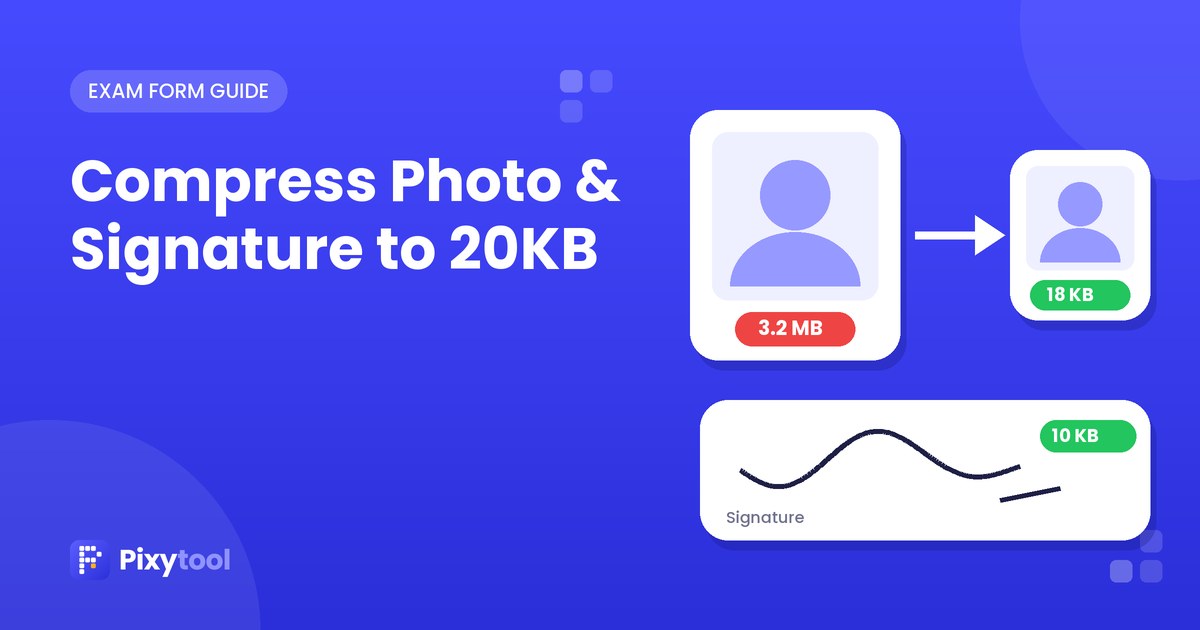
Compress passport photos and signatures to under 20KB for government and job portal submissions